
Using the unified inbox
Read, reply, compose and triage email from base bont's Inbox — backed by your personal Google Workspace or Outlook connection and threaded against the CRM record.
The base bont Inbox is a CRM-aware email client. It pulls from the personal email account you connected under Personal Integrations (Google Workspace or Outlook) and threads each message against the contact, deal or company it mentions. Reply, forward, compose — everything stays in sync with your real mailbox.
Open the Inbox
Click Inbox in the left navigation under My Communication. If the page is empty, you haven't connected an email account yet — set that up first.
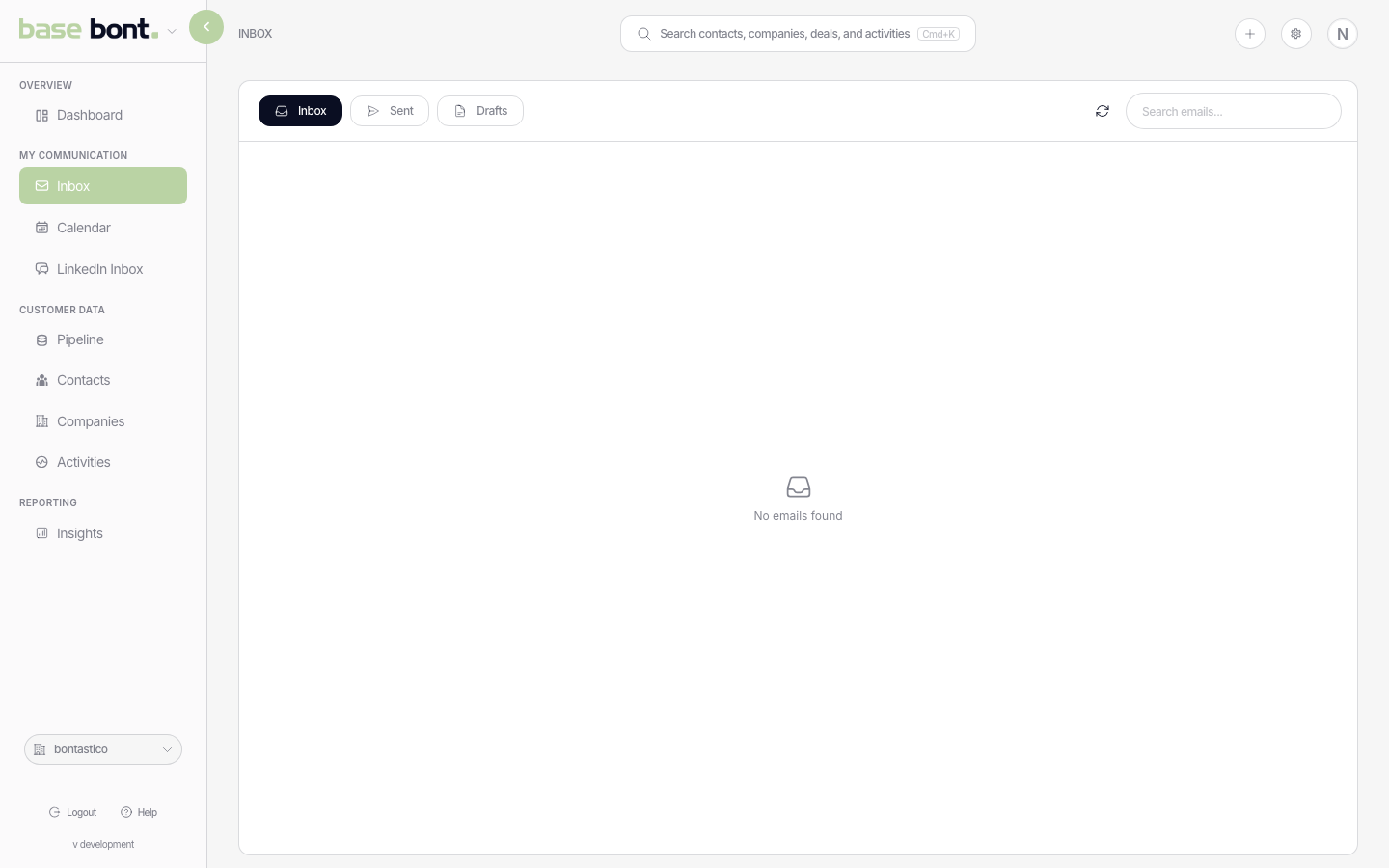
The three tabs
- Inbox — received threads. Newest first. Unread renders bold.
- Sent — threads you've sent or replied to. Useful as a working archive of outgoing comms.
- Drafts — unsent compositions. Drafts persist across sessions and devices and keep the selected CRM contact when you return to them.
Reading a thread
Click any thread row. The right pane opens with the full conversation, oldest at the top. Each message card shows:
- From, To, Cc and timestamp.
- Linked CRM entities — chips for the contact, company and deal bont matched against the message. Click a chip to open the record.
- Body — rendered HTML with inline images.
- Quick actions — Reply, Reply all, Forward, Mark read/unread.
Replying or composing
- Reply / Forward — opens the composer pre-populated with quoted history. The composer floats bottom-right; minimise it with the chevron without losing what you've typed.
- New email — top-right + Compose button opens a blank composer. Search by contact name or any email address stored on the contact. Results display as Name (email address), which makes it clear which address you selected.
- Signature — pulled from the signature you saved under Personal Integrations. Pick another from the dropdown if you have more than one.
- Send — fires the message through your connected provider. It lands in Sent automatically.
Recipient lookup works in To, Cc and Bcc. If you type a complete address that belongs to an existing contact, bont resolves it to that contact too. The same lookup and CRM-linking behavior applies when you compose a new email, reply or forward.
Threading and CRM linking
bont matches incoming and outgoing emails against contacts using all email addresses stored on the contact, against companies by domain, and against open deals when the contact already has one. Contacts resolved in To, Cc or Bcc are included. The match shows up as chips on each message and the activity is added to the timelines of the matched records. If the match is wrong, open the linked contact and re-attach manually.
Tips
- Label sync — configure which labels/folders bont mirrors under Personal Integrations. Use it to exclude noisy notification mail from the Inbox.
- Search — the global Cmd/Ctrl-K search hits email subjects and bodies too.
- Out-of-office — bont doesn't auto-detect OOO replies; if you reach out to a contact who's away, you'll still see their bounce-back in the thread.