
Filtering by All, Next 7 Days, Overdue, Meetings, or Unanswered Emails
pure bont's Activities and Inbox pages ship with a set of pre-canned filters that map directly onto how reps slice their day.
pure bont's Activities and Inbox pages give you five preset filters at the top of the list. Pick one to narrow what you're looking at without configuring a search every time.
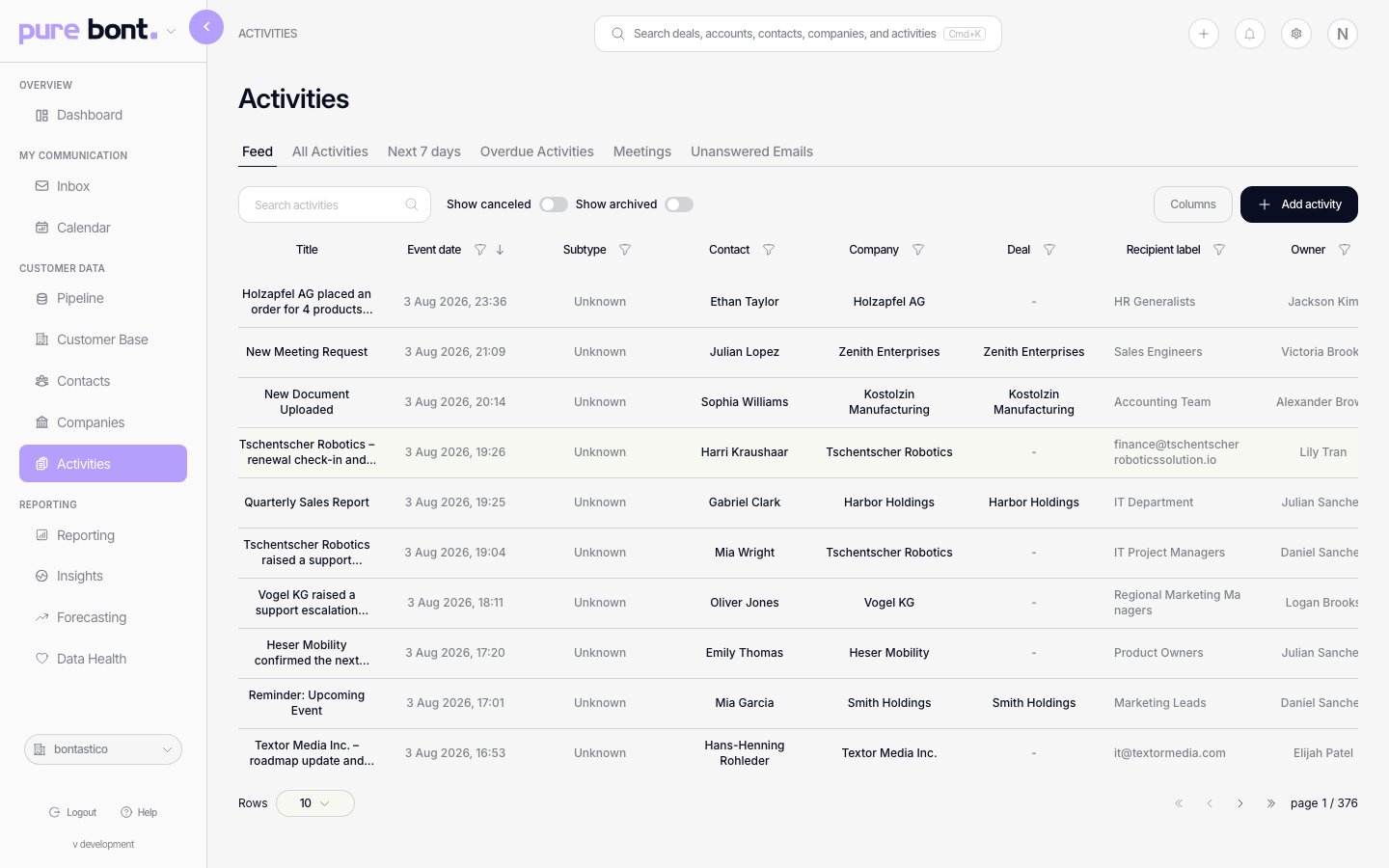
The filters
- All — every pending activity assigned to you. The full picture.
- Next 7 Days — only activities due (or scheduled) inside the rolling next-week window. Pairs well with planning your week on Monday.
- Overdue — activities whose due date has passed and that aren't completed or cancelled. The "you owe somebody something" queue.
- Meetings — Meeting-type activities only. Useful before a busy afternoon to eyeball who's next.
- Unanswered Emails — email threads where the last message was inbound and you haven't replied. Triage queue for inbox-driven work.
Tips
- Start the day on Overdue — clear those before adding new commitments.
- Combine with the column sort — sort within a filter (e.g. Next 7 Days by deal value) to prioritise by impact.
- Filters apply to Activities + Inbox separately — switching on Inbox doesn't carry over to Activities and vice versa.
Related
- The activities list (base bont equivalent)
- Using the unified inbox