
Notifications
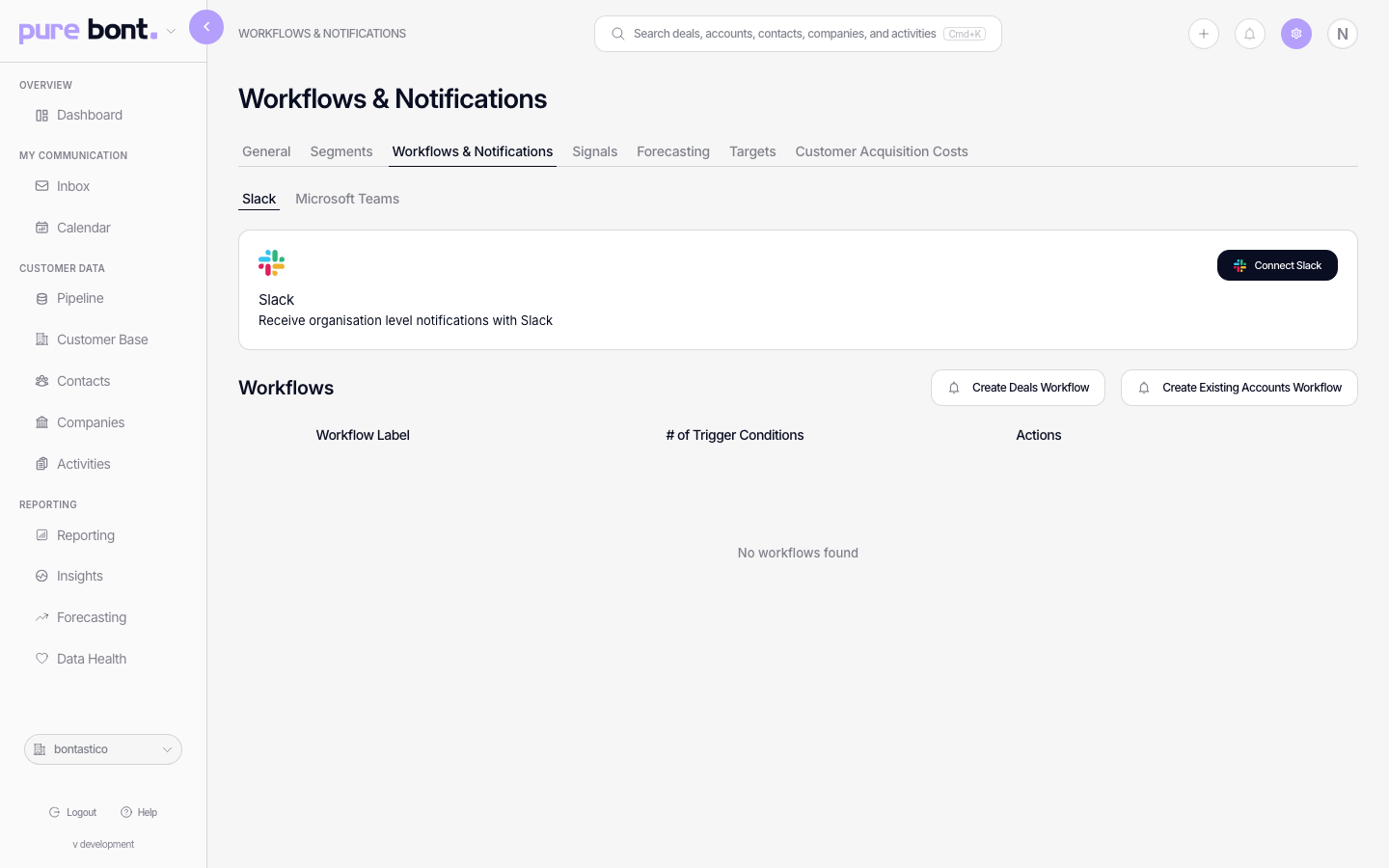
pure bont's Notifications app-settings page — workflow-driven alerts for deals, pipelines and existing accounts, plus channel connection for Slack and Microsoft Teams.
Notifications in pure bont are workflow-driven rather than a single on/off toggle. The page in App Settings → Workflows & Notifications wires connectors (Slack, Microsoft Teams) and defines the workflow templates that produce alerts. This is the admin-level setup for what fires; users see personal in-app notifications in their feed and pick what they want from Setting your notification preferences.
Connect a channel
- Slack — click Connect Slack at the top of the page, approve the OAuth, pick the channel bont should post to.
- Microsoft Teams — same flow under the Teams sub-tab.
Define a workflow
Workflows decide which events trigger notifications. pure bont ships two presets:
- Create Deals Workflow — events on new-business deals (stage moves, owner changes, value updates, stagnation).
- Create Existing Accounts Workflow — same shape, scoped to existing-account motion.
Click a preset to open the builder. Pick trigger conditions, audience and channels. Save. The workflow shows up in the table with a count of trigger conditions and an Actions menu.