
Email and activity templates
Save reusable email and activity templates so you stop rewriting the same messages and notes — then drop them in with one click while composing an email or logging an activity.
Templates turn the messages and notes you write over and over into one-click building blocks. base bont has two kinds, managed on the same page: email templates for outbound email, and activity templates for the notes you log on calls, tasks, meetings and other activities.
Open it
Settings → App Settings → CRM configuration → Templates. Create, edit, and reorder templates here. Each template can be personal (only you see it) or shared with the whole organization.
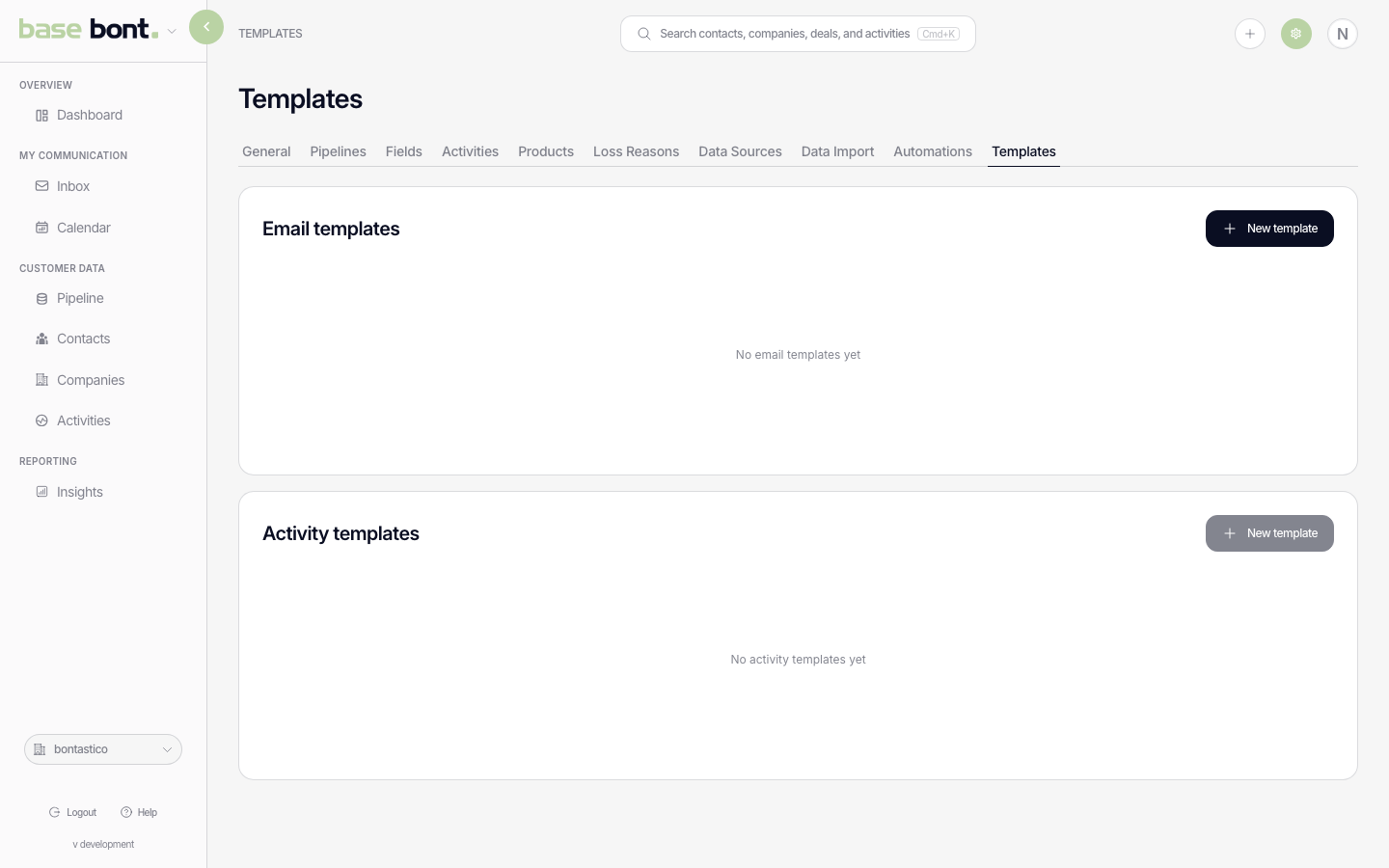
Email templates
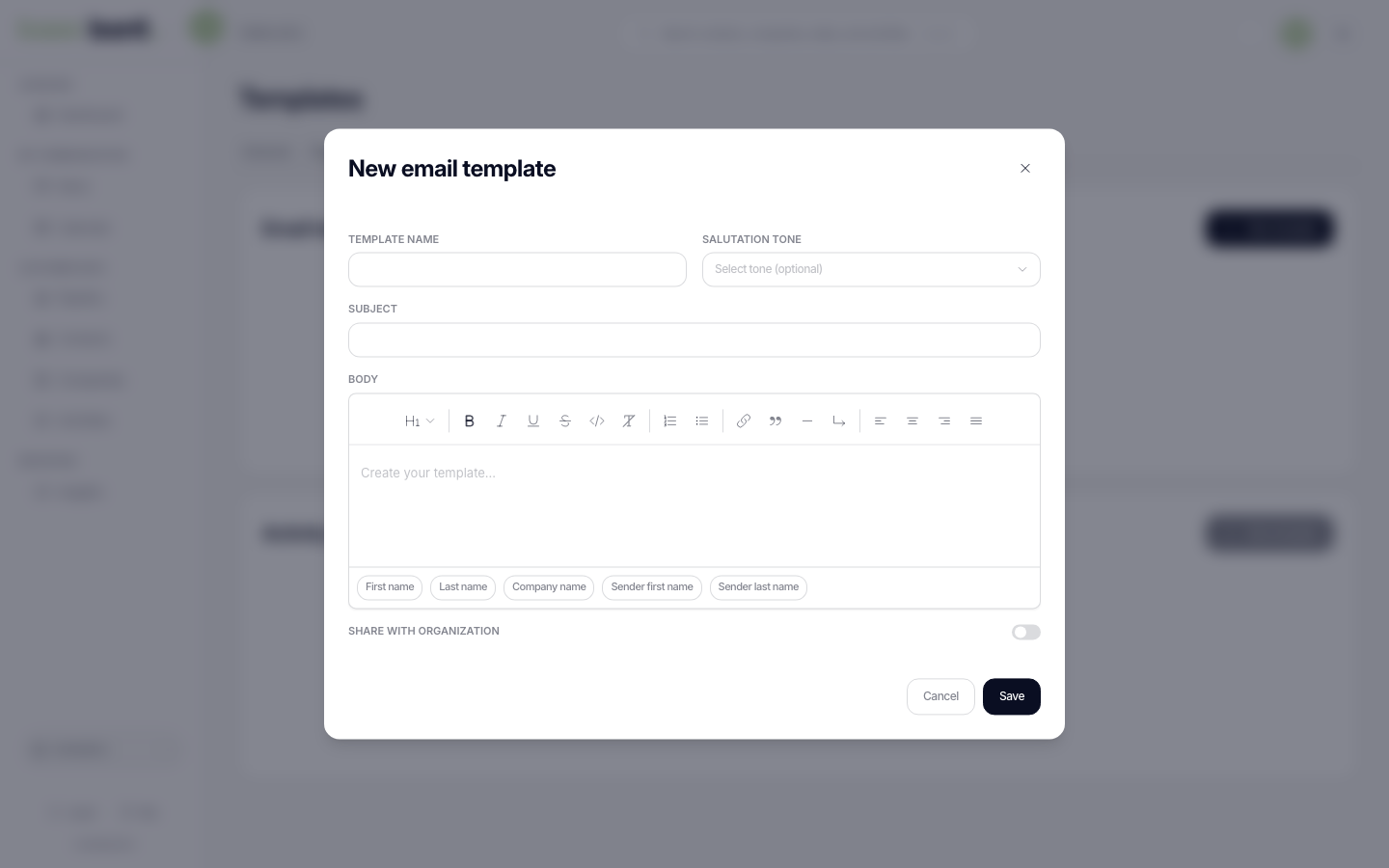
An email template stores a reusable subject line and body. When you create one you set:
- Name — how the template shows up in the picker.
- Subject and body — the email content, with rich formatting.
- Tone — an optional salutation formality, from strictly formal through to informal, so the greeting matches the relationship.
- Personal or shared — who can use it.
While composing or replying to an email, open the template picker and choose a template — its subject and body drop straight into the draft. If you've already typed something, bont offers to replace it first.
Activity templates
Activity templates pre-fill the content of an activity. Each one is tied to an activity type — call, task, meeting, email, or a custom subtype — so the picker only offers templates that fit the activity you're logging. Set a subject (optional), the body, and the same personal-or-shared and tone options as email templates. When you create an activity of that type, pick a template to fill it in.
Variables
Both kinds support variables that fill themselves in from the record — for example the recipient's salutation, first name, last name, and company name, plus the sender's first name. Insert them while editing a template and they resolve when the template is applied.