
Resetting a forgotten password
Recover access to your bont sos. account when you've forgotten the password — request a reset code, enter it, set a new password.
If you've forgotten the password to your bont sos. account, you can request a reset code from the Login page. Entering the code takes you straight to a "set a new password" form — no support ticket needed.
Step 1 · Open the reset request page
On the Login tab, click the Forgot password? link below the form. It opens a small reset-request screen.
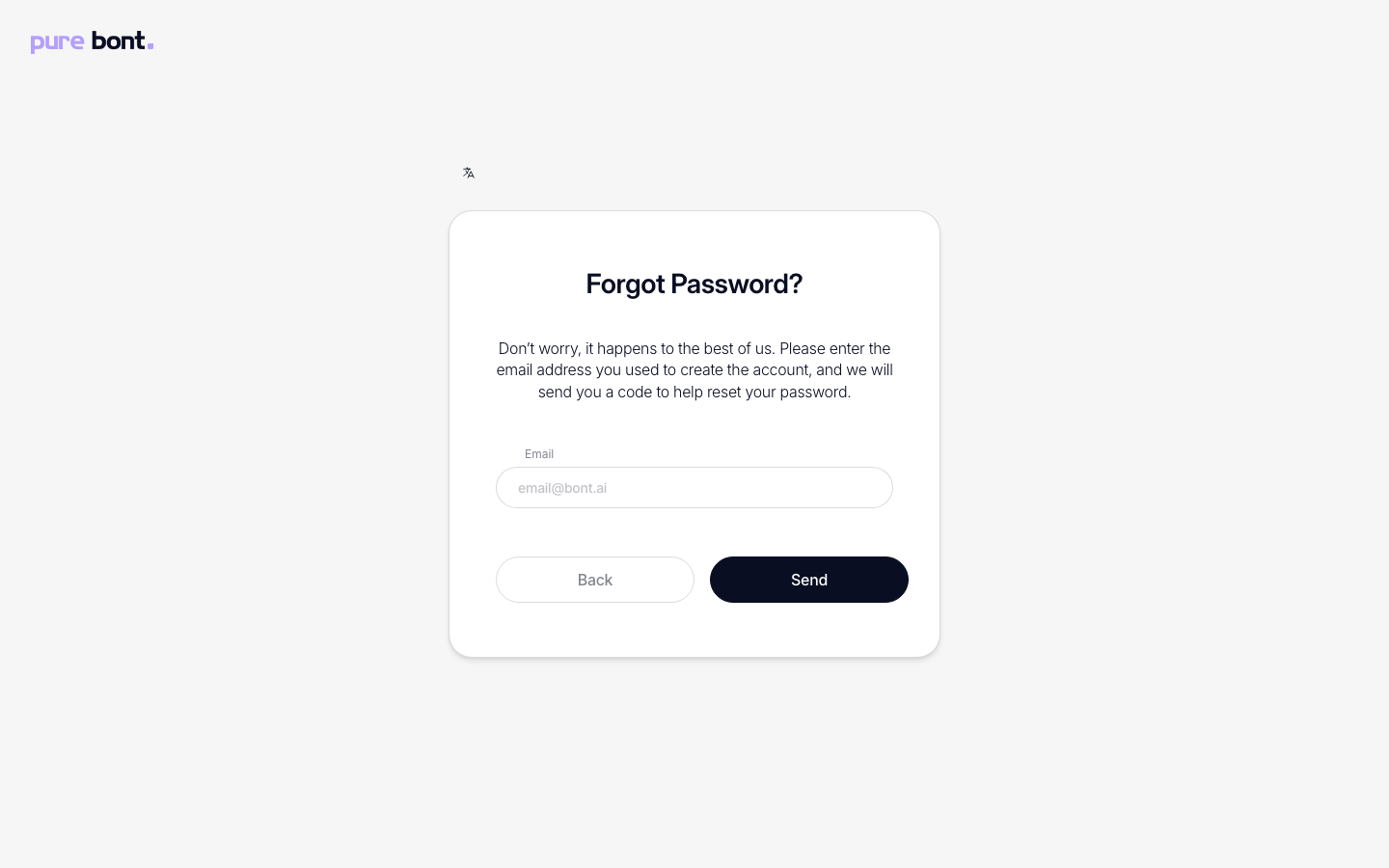
Step 2 · Submit the email you registered with
Type the address tied to your account and click Send. The page swaps to a Check your email screen with a six-digit code entry. The same screen shows whether the address exists or not — that's on purpose, to avoid leaking which addresses have accounts.
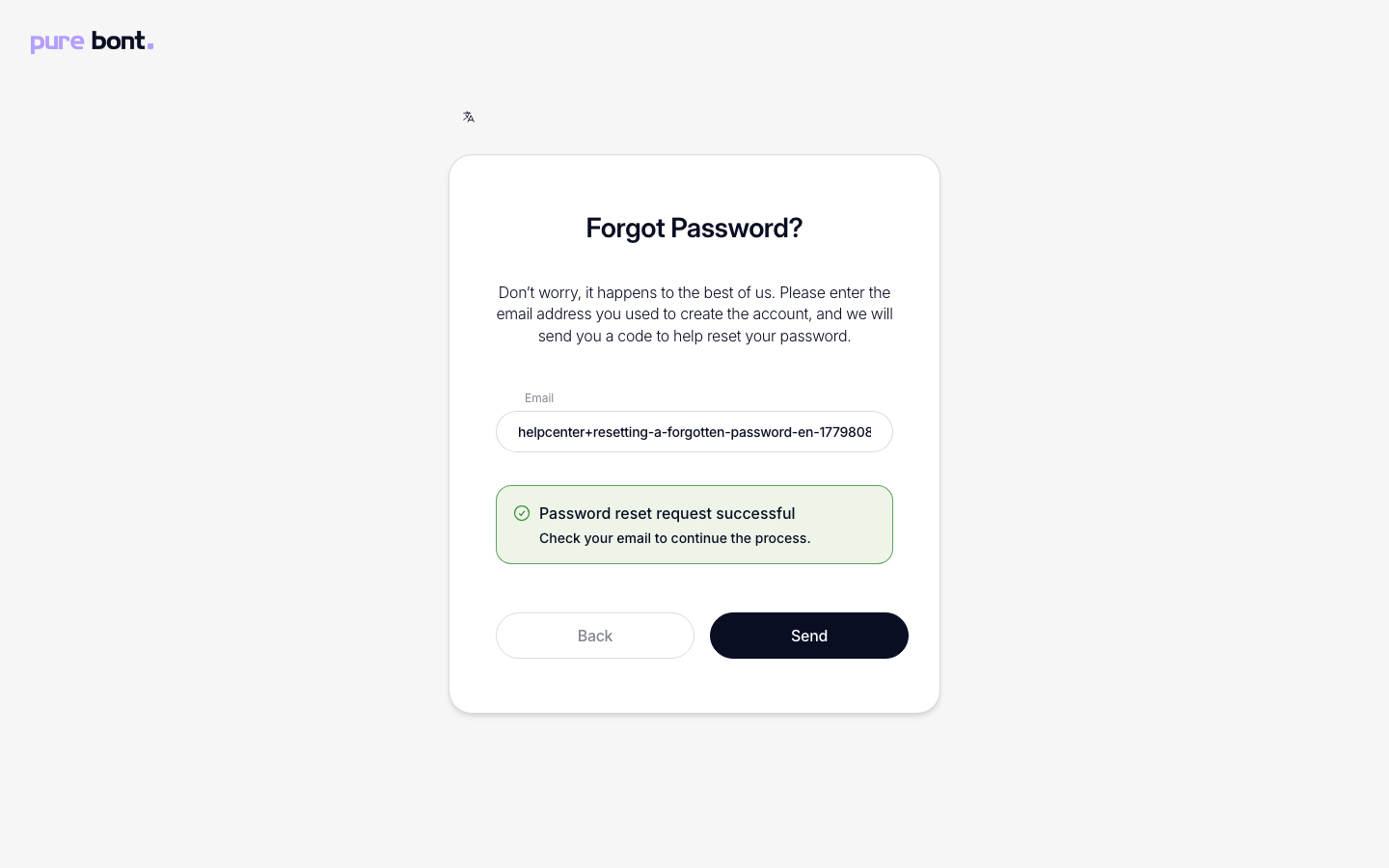
Step 3 · Enter the reset code from your inbox
Within a minute or two, an email titled [bont] Password Reset arrives. It contains a 6-digit code that stays valid for 24 hours. Type it into the code-entry screen — once it's accepted, you're forwarded to the new-password form. Alternatively, the link at the bottom of the email opens the app and confirms the code for you.
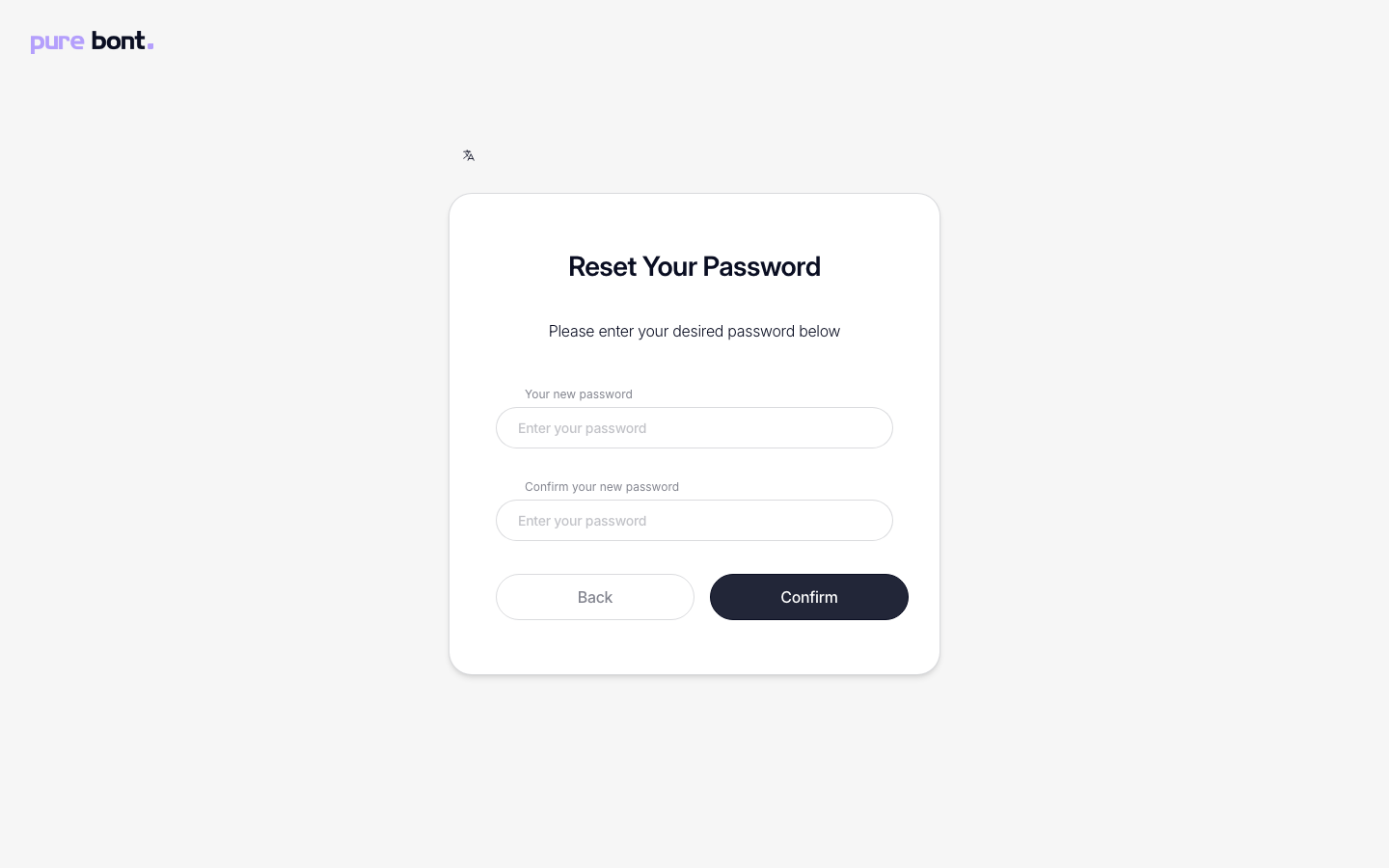
Step 4 · Set a new password
Enter a new password (at least 12 characters) and confirm it. Click Confirm. You're signed in immediately with the new password.
Troubleshooting
The reset email never arrived
- Check spam and junk folders.
- Confirm the email address spelling — the reset response is intentionally generic, so a typo silently produces no email. Use Use a different email on the code-entry screen to go back and correct it.
- Request a new code with Resend code — available again after a 60-second cooldown — and use the code from the newest email.
- Ask IT to allow mail from
mail.bont.aiif corporate filtering blocks it.
The code is rejected as invalid or expired
Reset codes are valid for 24 hours. Request a new one with Resend code on the code-entry screen, or start over from the Login → Forgot password? screen.
I don't have access to that inbox anymore
Ask a workspace admin to invite you to a fresh account at your new address, or contact support so we can migrate ownership. Self-service reset always requires inbox access.
Related
- Logging in
- Changing your password — when you still know it.
- Setting up multi-factor authentication (MFA) — pairs well with a password reset.