
The activities list
Search, filter and triage every activity logged in base bont — calls, emails, meetings, tasks, SMS, WhatsApp, LinkedIn, support tickets and more.
Activities are how bont models everything that happens between you and a contact — calls logged, emails synced, meetings booked, tasks assigned. The Activities list is the central feed of all of them.
Open the list
Click Activities in the left navigation under Customer Data.
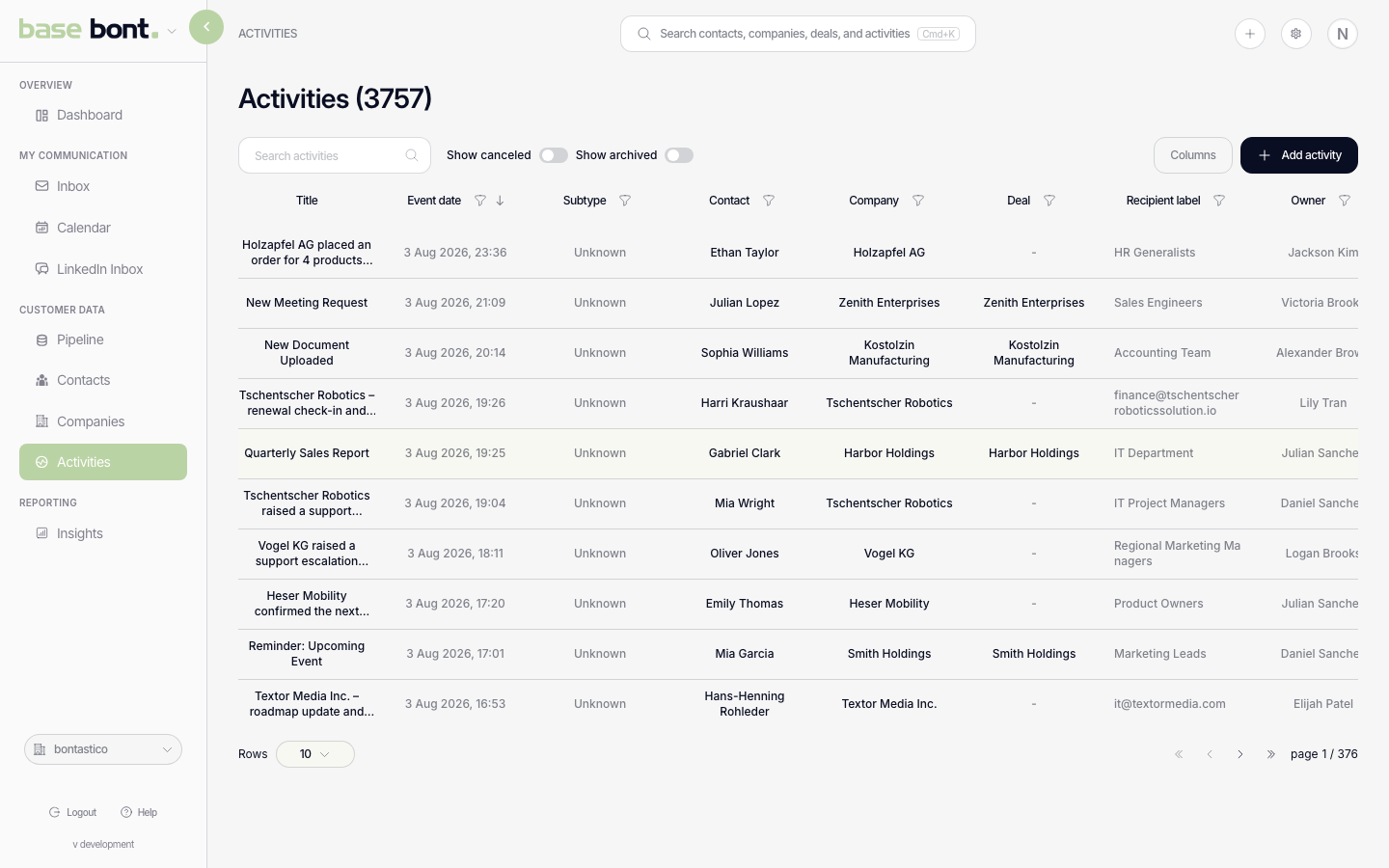
What's in the table
- Event — activity type icon plus title.
- Contact / Company — linked records (click to jump).
- Date — when the activity occurred or is due.
- Status — Pending / Completed / Cancelled.
- Add Owner, Deal or custom columns via the column selector.
Activity types
Out of the box: Call, Email, Meeting, Task, SMS, WhatsApp, LinkedIn, Mail (physical), Support Ticket, Invoice, Stage Change, Other. Customise the list in CRM configuration: Activities.
Filter
- Completion — Pending, Completed, Cancelled, All.
- Type — pick one or more activity types.
- Linked object — Contact, Company, Deal, or unlinked.
- Show archived — include soft-deleted rows.
Open an activity
Click any row to open the activity detail page — full content, related records sidebar, and status/cancel actions. Or use the modal for a faster edit; see Creating, editing, and completing an activity.
Tips
- Today's pending — start the day with the list filtered to Pending + today's date range; that's your action queue.
- Per-contact — open a contact and use that contact's activities timeline instead of the global feed if you're working one account at a time.