
Verifying your email address
How email verification works on bont, what to do if the confirmation code doesn't arrive, and how to recover from an expired code or a wrong address.
Every new bont sos. account confirms the email address you signed up with. Verification protects you from someone using your address by mistake and is what lets us send password-reset and account-recovery mail later. This page is a troubleshooting reference; the verification step itself is covered in Creating your bont sos. account.
The expected happy path
Right after you submit the Register form, the page swaps the form for a Check your email screen with a six-digit code entry.
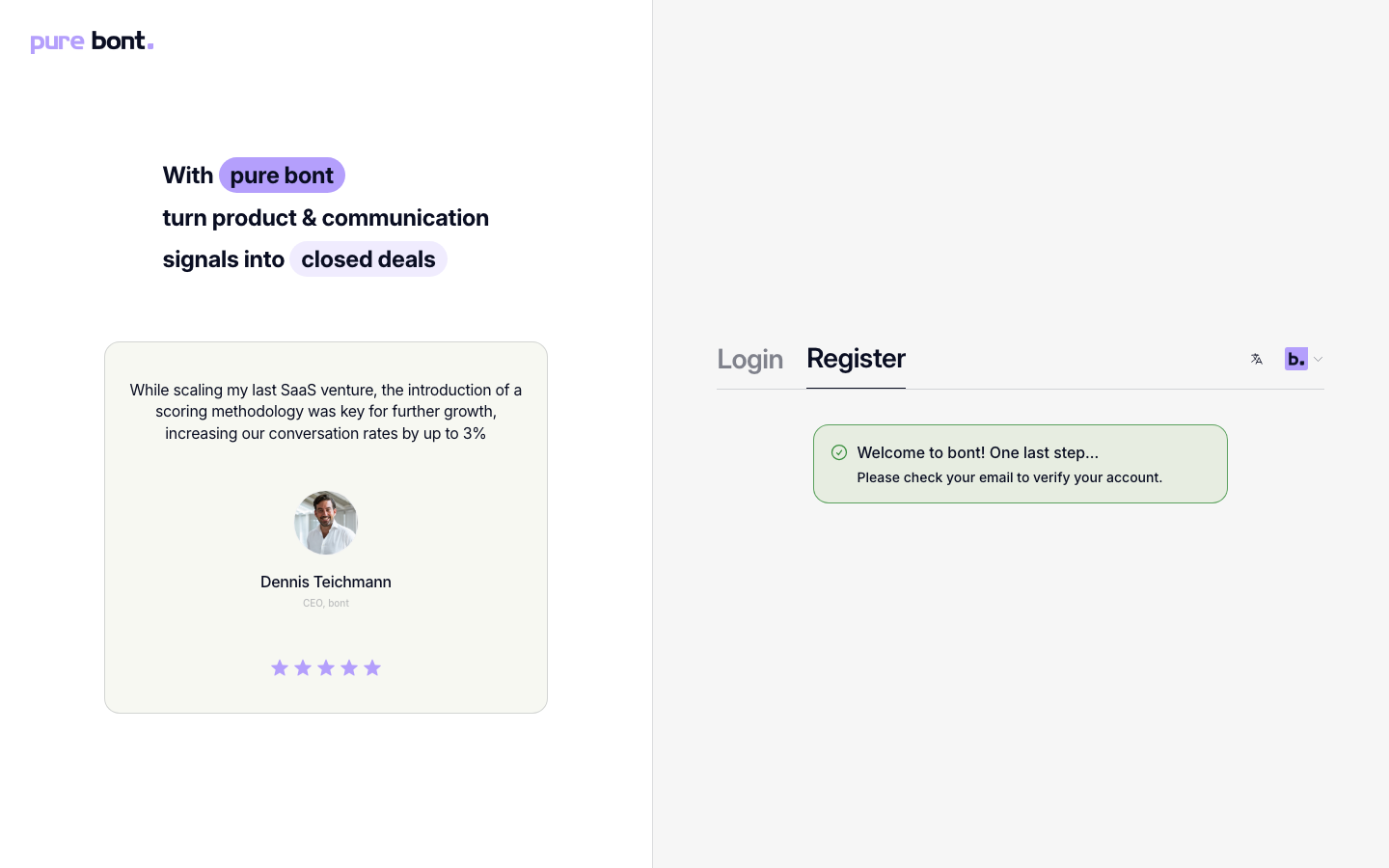
Within a minute or two, an email titled [bont] Welcome to bont lands in the inbox. It contains a 6-digit code that stays valid for 24 hours. Type the code into the screen that's already open — you're signed in as soon as it's accepted, without entering your password again. Alternatively, the link at the bottom of the email opens the app and confirms the address for you.
Troubleshooting
The email never arrived
- Check spam and junk folders — automated transactional mail occasionally lands there on first contact.
- Confirm the spelling of the address you typed on the Register form. Use Use a different email on the code-entry screen to go back and correct it.
- Request a fresh code with Resend code on the code-entry screen — available again after a 60-second cooldown. If you already navigated away, go to Logging in and try to sign in with the unverified address: bont takes you to the code-entry page, where Send me a code sends a fresh email.
- Ask your IT team to allow mail from
mail.bont.aiif corporate filtering is blocking it.
The code is rejected as invalid or expired
Verification codes are valid for 24 hours. If yours is rejected, request a new one with Resend code and use the code from the newest email in your inbox.
I verified the wrong address
If you registered with a typo, the easiest path is to register again with the correct address. If that address is already in use, see Resetting a forgotten password to take control of the existing account.
I clicked the link in the email but ended up on the login page
Most likely the link was opened in a different browser than the one where you started sign-up, so the in-progress session was lost. Sign in normally with the email and password you just set — your account is verified either way.