
Finding a contact
Search, filter and sort the Contacts list in base bont to find the right person quickly — covers the search bar, archived toggle and column selector.
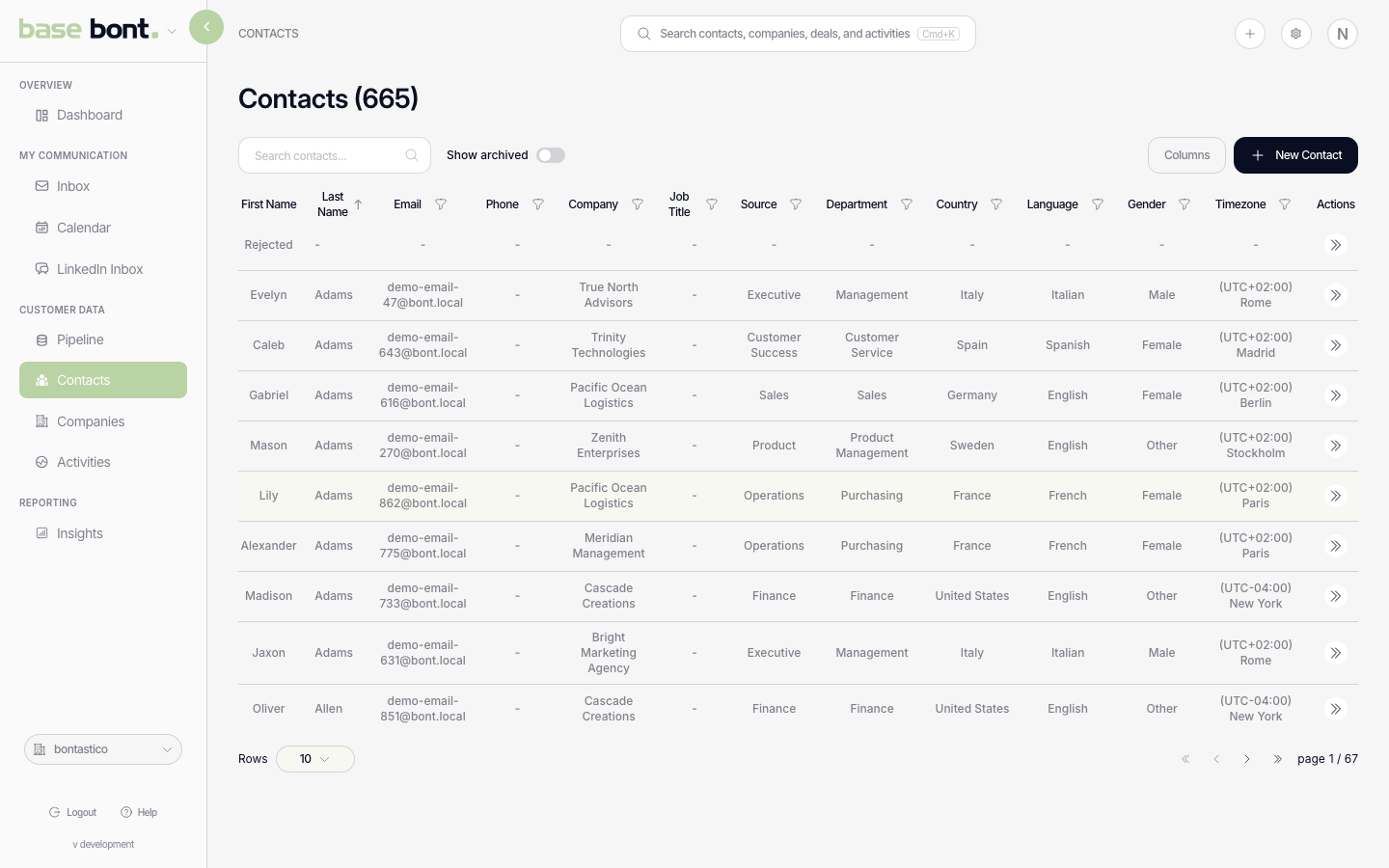
The Contacts list is the central directory of every person bont knows about. It's a paginated, sortable table, so use the search bar, filters and column selector to narrow down rather than scrolling.
Open the Contacts list
Click Contacts in the left navigation (under Customer Data). The page defaults to all non-archived contacts, sorted by most recently updated.
Search
Type in Search contacts…. The query matches name, email and primary phone in real time; no Enter needed. Clear with the × icon or Cmd/Ctrl-A → Delete in the input.
Filter and sort
- Show archived — toggle includes contacts you've archived. Archived rows render greyed out.
- Column sort — click any column header to sort ascending; click again for descending.
- Column selector — top-right icon. Pick which columns are visible (Name, Email, Phone, Company, Owner, Source, Created, Updated, custom CRM fields).
Filter by field
Beyond the search box, the Contacts table can filter on a specific field — the same field filters work on the Companies, Deals and Activities tables. Each filter takes an operator:
- Is — the field equals the value you pick.
- Is not — the field is anything other than that value.
- Is any of — the field matches any value in a set.
Leave the value empty to filter by presence: Is with an empty value finds records where the field is missing, and Is not with an empty value finds records where it has a value.
Open a contact
Click a row to open the full profile in a new page (or in a side drawer if the table is wide). See Viewing a contact profile for what's on it.
Tips
- Cmd/Ctrl-K opens the global search at the top of the page — works from anywhere in base bont, not just on the Contacts list.
- Recently viewed contacts appear in the global search dropdown without typing.