
Editing your profile
Update your name, job title and support-access toggle from personal settings — the details other people see across bont.
Your profile is what teammates see next to your activity in bont — comments on a contact, emails you sent through bont, deals you own. Keep it current so colleagues recognise you and inbound emails go out with the right signature.
Step 1 · Open profile settings
Click Settings in the left navigation. Profile is the default landing.
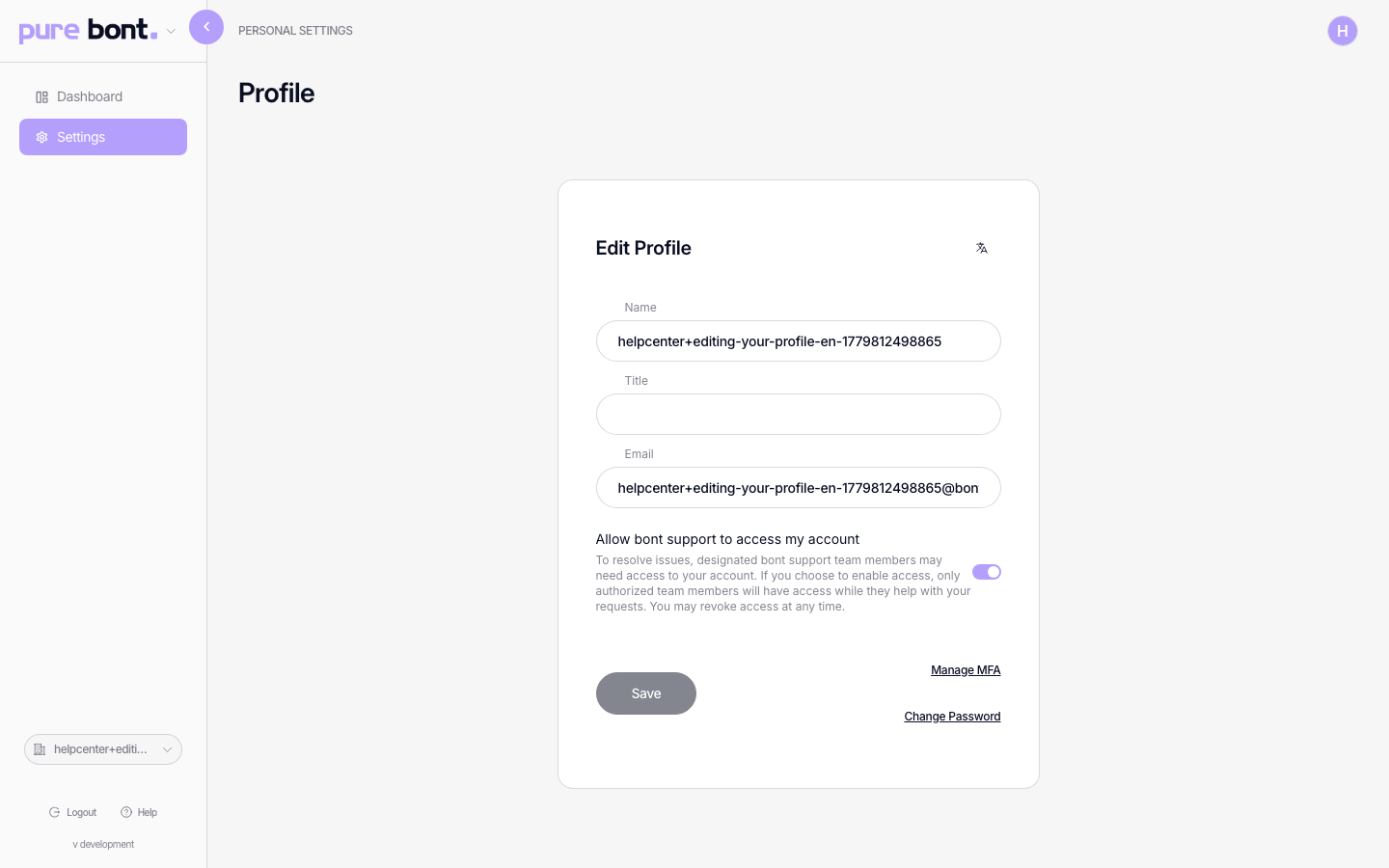
Step 2 · Edit the fields you want to change
- Name — what shows up on activity timelines, mentions and outgoing emails.
- Title — your role (e.g. "Account Executive"). Optional; shown in member lists and as part of email signatures.
- Email — your login. Editable for email/password accounts; locked for OAuth accounts (Google / Microsoft) because the identity provider owns it.
- Allow bont support to access my account — on by default, so the bont support team can troubleshoot issues without you re-sharing credentials. Turn it off any time if your security policy requires it.
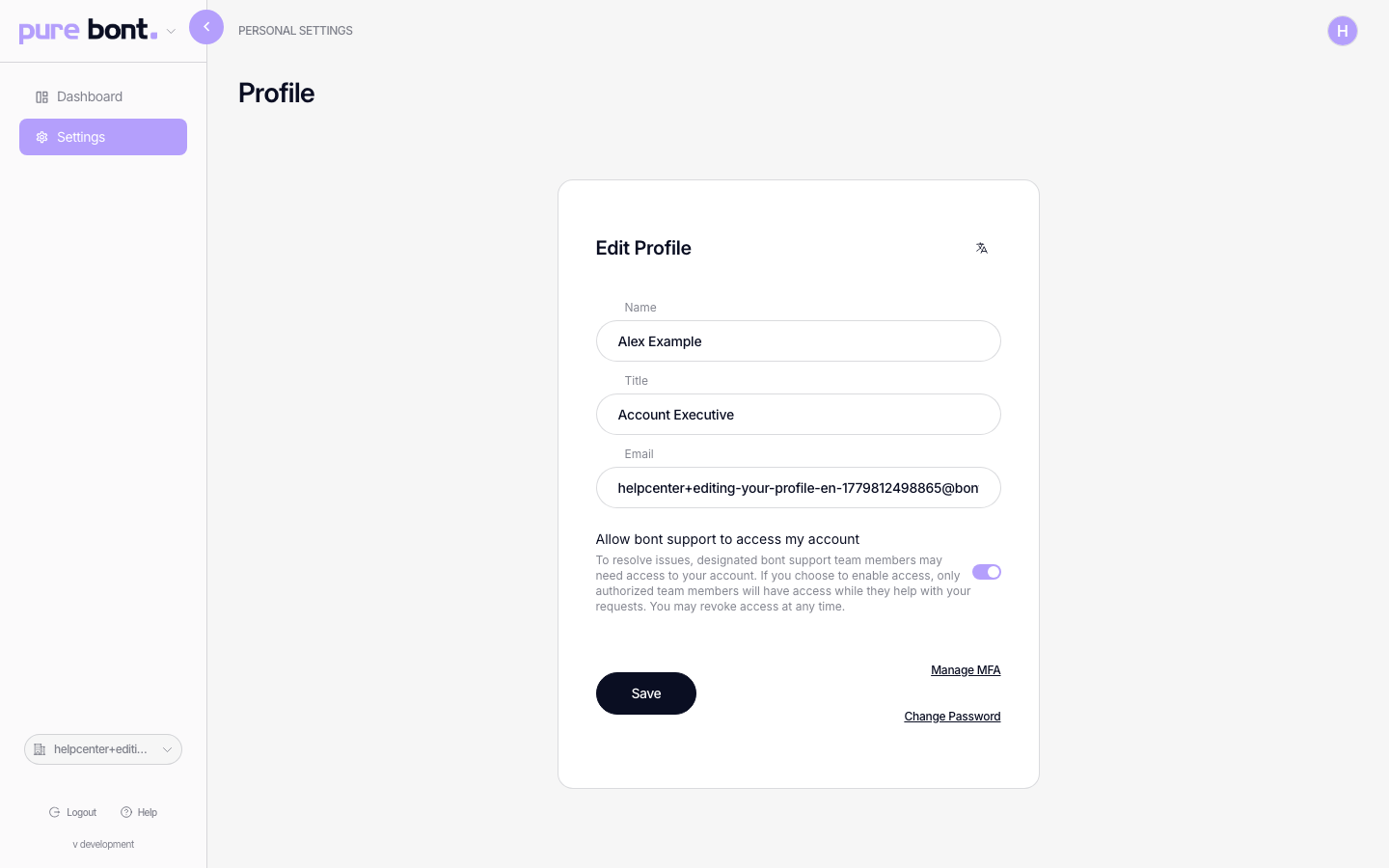
Step 3 · Save
Click Save. Changes take effect immediately — teammates will see your new name on any activity created from now on.