
CRM configuration: Products
Catalogue the products you sell so they're available as line items on deals — name, price, currency, optional SKU.
Products are the catalogue you draw from when attaching line items to a deal. They make pipeline totals more accurate, feed forecasting, and let funky bont's go-to-market views split revenue by product.
Open it
Settings → App Settings → CRM configuration → Products. Make sure Deal line items is toggled on in General — otherwise the Products tab is read-only.
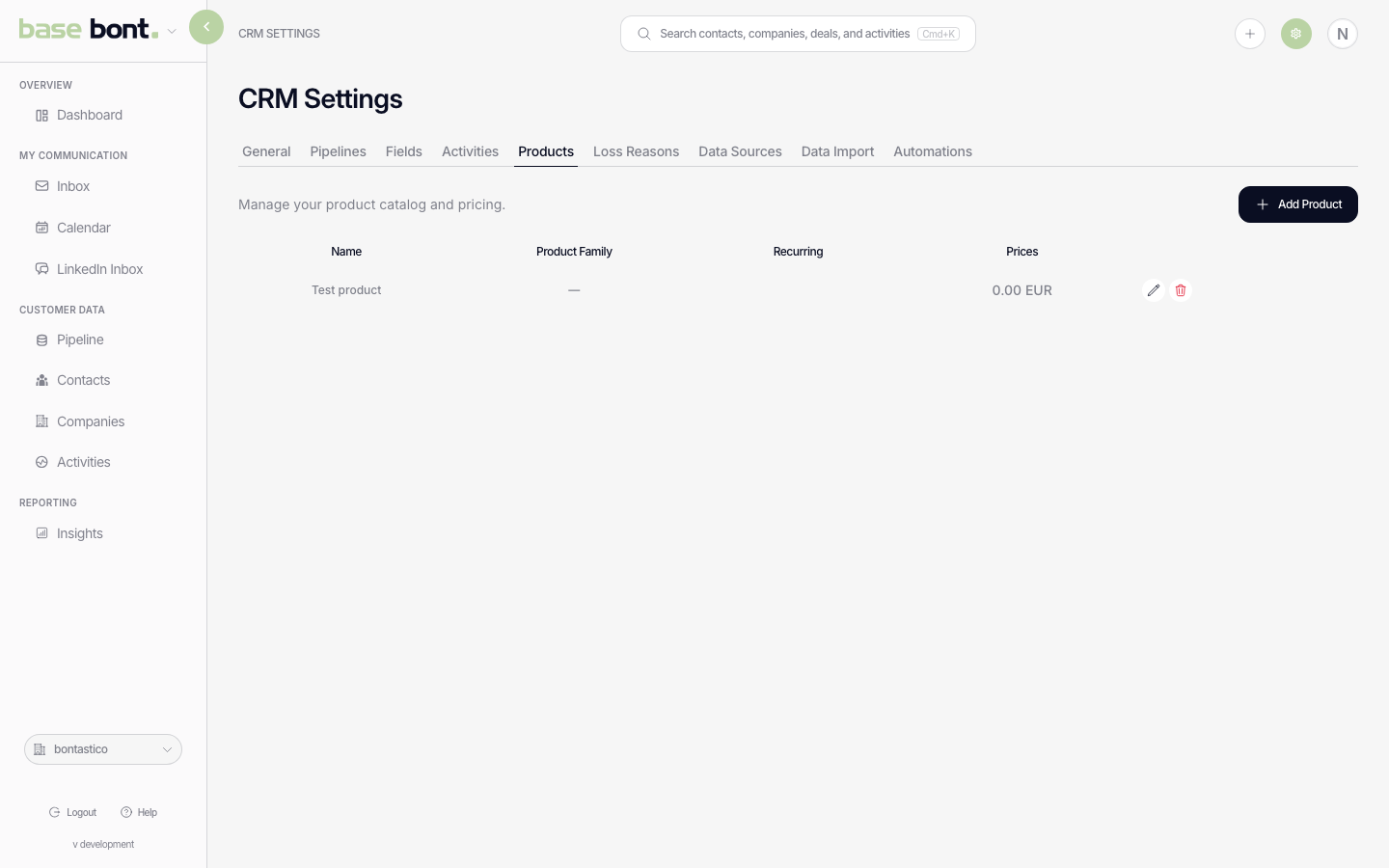
Adding a product
Click + Add Product. The dialog asks for:
- Name — what the rep sees in the line-item picker (e.g. "Pro plan — annual").
- Price — default per-unit price. Per-deal price overrides win.
- Currency — defaults to the workspace currency.
- SKU — optional internal identifier.
Using products on deals
With Deal line items enabled, the Deal & Products card on the deal sheet has a + Add product action. Pick from the catalogue, set quantity, override price if needed, and bont rolls the total into the deal amount.
Editing or removing a product
Click a row in the products table to edit price or name. Removing a product (trash icon) doesn't delete line items already attached to deals — they keep the historical price, but the product stops appearing in the picker.