
Viewing your personal notifications feed
Open your personal Inbox in pure bont or pitch bont to see every notification bont has queued for you.
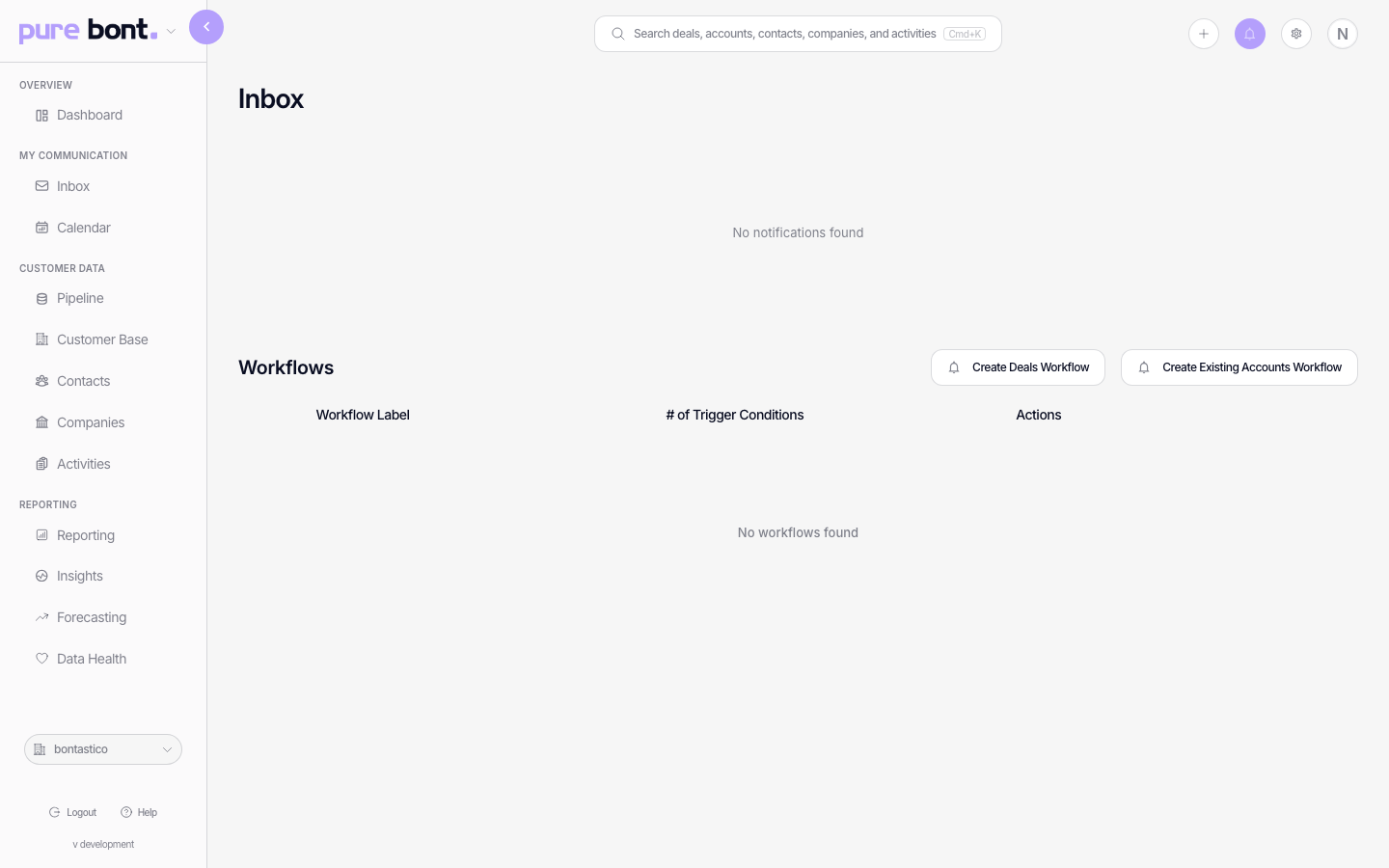
In-app notifications you've opted into (see Setting your notification preferences) all land in one place — your personal Inbox. It's a dedicated page, not a dropdown, so there's room to triage everything at once.
Step 1 · Open the Inbox
Switch to pure bont or pitch bont. Open your personal Inbox from the bell icon in the header — it takes you to a full-page feed.
What lands here
- Notifications you opted in to under Settings → Notifications.
- Lead-list research completed or failed, with a link back to the list.
- Campaign message generation completed, so the campaign is ready for review.
- System notices (e.g. workspace billing alerts) that bypass personal preferences.
- Mentions on contacts, deals and notes that you're tagged in.
Each row links to the record that triggered the notification. Once you click through, the row is marked read; the bell counter in the header decrements.
Tips
- Mark read / unread — opening a row marks it read, and you can flip a row back to unread (or mark everything read with Mark all as read) from the row's actions — handy for leaving yourself a to-do.
- The bell counter in the header reflects unread items only.
- Per-app feed — pure bont's and pitch bont's feeds are separate. If you live in both apps, check both.