
Logging in
How to sign in to your bont sos. account from the web — including SSO, the MFA challenge, and what to do when sign-in fails.
Once your account has been created (see Creating your bont sos. account), signing back in takes about ten seconds.
Step 1 · Open the Login tab
Go to the bont App and you'll land on a page with two tabs: Login and Register. The Login tab is selected by default.
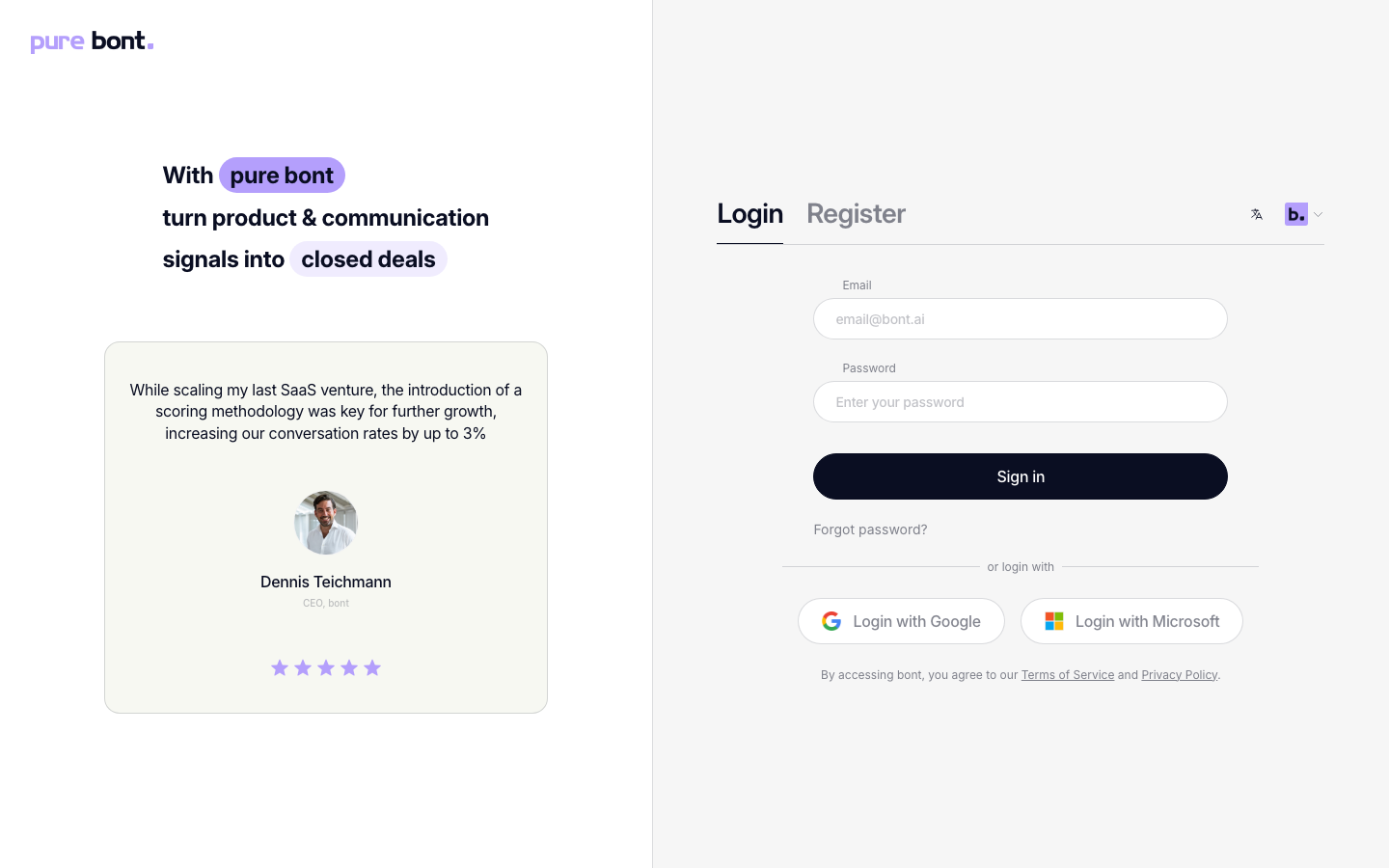
Step 2 · Enter your email and password
Type the email address you registered with and your password. Click Sign in.
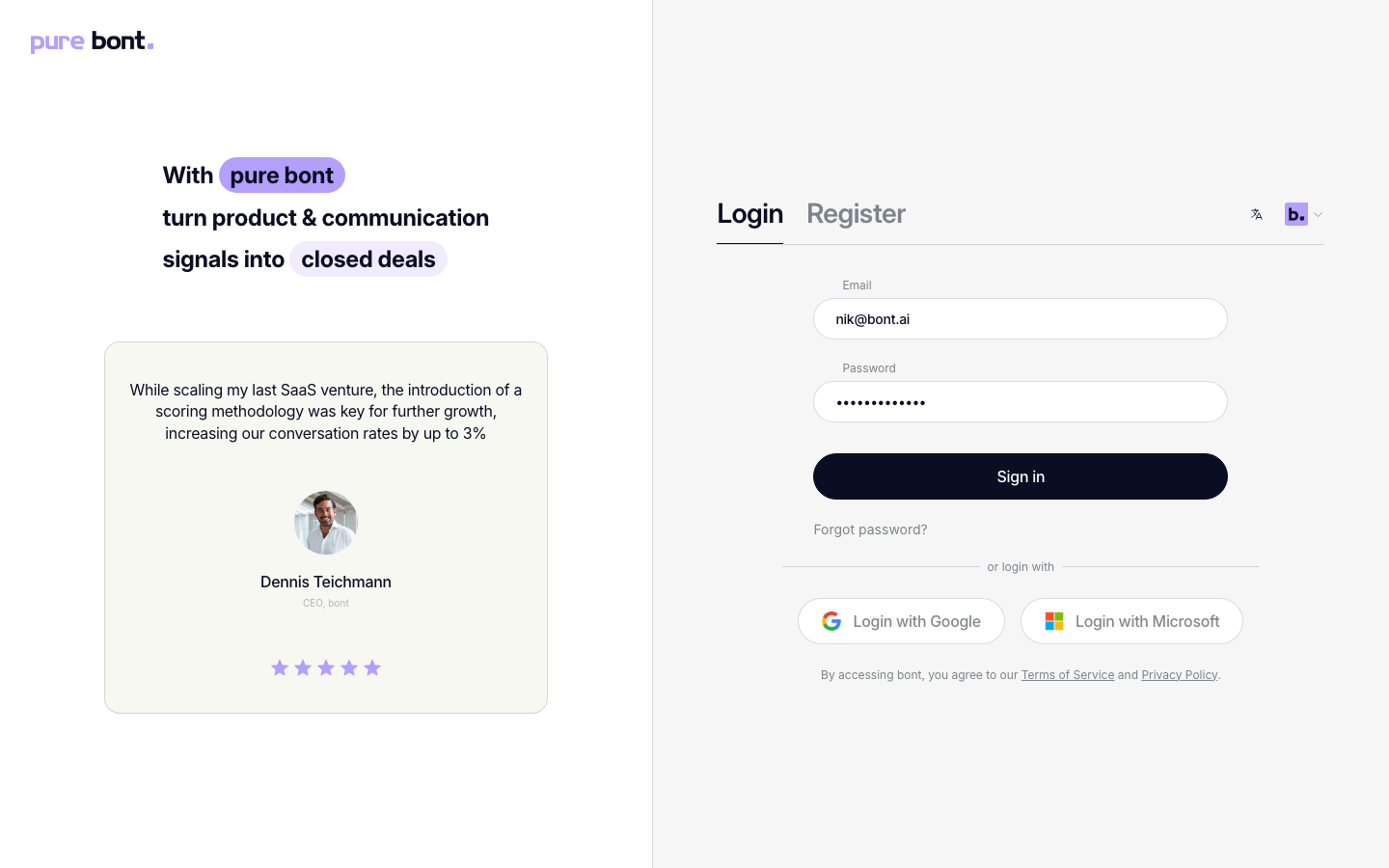
Prefer SSO? Click Login with Google or Login with Microsoft below the form. As long as you used the same provider during sign-up, you'll be signed in without typing a password.
Step 3 · Pass the MFA challenge (if enabled)
If you set up multi-factor authentication, bont takes you to an extra step right after the password check. Enter the 6-digit code from your authenticator app — or tap your passkey — and click Submit code. Tick Remember this device if you're on a trusted machine; you'll skip the challenge for 30 days.
Full setup details live in Setting up multi-factor authentication (MFA).
Troubleshooting
Wrong email or password
Double-check the email and try again. If you've forgotten the password, click Forgot password? below the form — see Resetting a forgotten password.
You're bounced to the verification page instead of signing in
If your email hasn't been verified yet, bont skips the password check and sends you straight to a Check your email page — no error message in between. Click Send me a code there to get a fresh 6-digit verification code, then enter it on the same page. See Verifying your email address for the full flow.
My MFA device is gone
Contact a workspace admin or write to support — they can clear the MFA enrollment on your account so you can sign in and re-register a new device.
I keep getting signed out
Strict private-browsing or aggressive cookie blockers can clear bont's session on every tab close. If
it happens repeatedly, allow cookies for app.bont.ai and disable third-party-cookie
blocking for that origin.