
Accepting a workspace invitation
How to join an existing bont organisation after a teammate invites you — whether you already have a bont account or this is your very first sign-up.
bont organisations are workspaces shared by a team. Joining one always starts with an invite sent by an admin or owner of that workspace. This article walks you, the invitee, through clicking the invite email through to landing in the workspace. The admin side is covered in Inviting teammates.
Step 1 · Open the invite email
The invite email comes from bont <no-reply@mail.bont.ai> with the subject [bont] Invite to join an organisation. It contains a single CTA button. Click it.
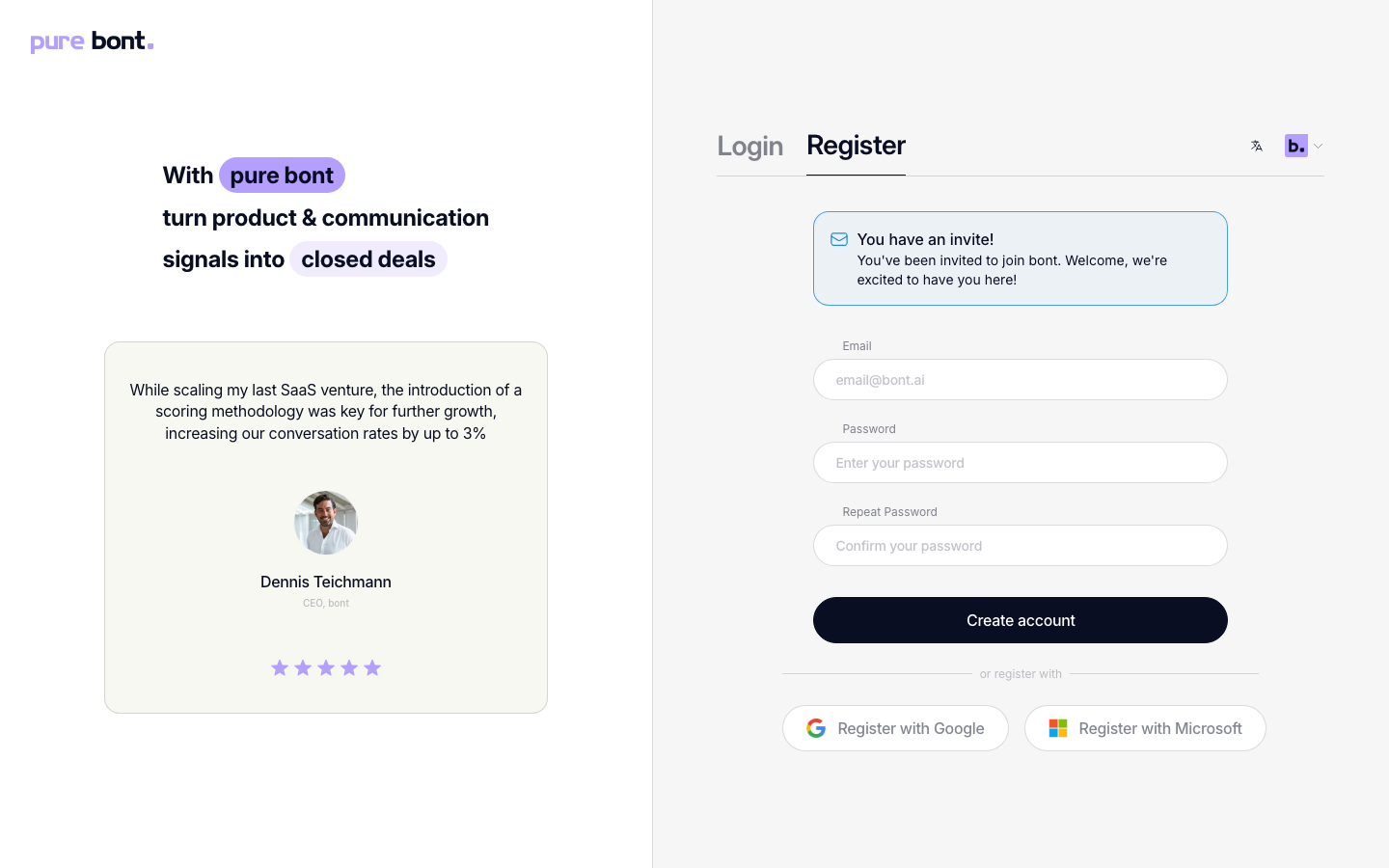
You'll land on a You have an invite! page that names the workspace and offers two buttons: Log in and Create account. If you're already signed in with the invited address, bont skips this page and joins the workspace for you directly.
Step 2 · Sign up or sign in
If you're new to bont
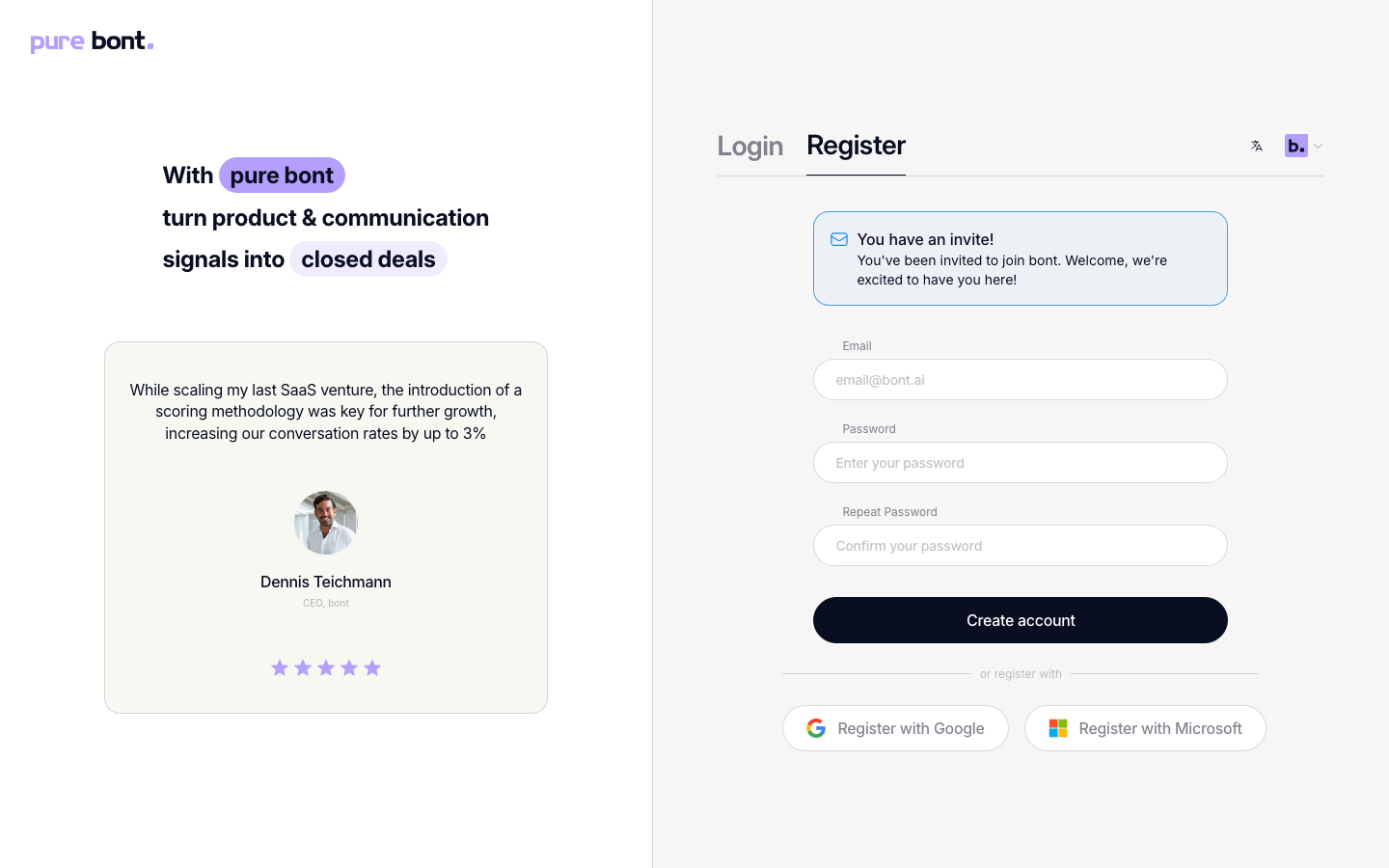
Click Create account. The Register tab opens with a small banner at the top reminding you which workspace invited you. Fill in email, password and confirm — the same form covered in Creating your bont sos. account. After you enter the 6-digit verification code from the confirmation email, bont attaches your new account to the inviting workspace automatically; you can skip the Create Organisation onboarding step.
If you already have a bont account
Click Log in and sign in with the invited address. The workspace banner stays visible while you sign in; right after, bont joins the new workspace for you and forwards you to its dashboard.
Troubleshooting
The invite link says it's invalid or expired
Ask the inviting admin to send a new one — they can resend or revoke from Members → Invites.
I have a bont account on a different email than the invite
The invite is tied to the address it was sent to. If you're signed in with a different account, bont shows an error — "This invite was sent to a different email address. You're currently signed in as …" — instead of joining. Click Sign out on that screen, then open the invite link again and sign in or register with the invited address. To join under a different existing account, ask the admin to resend the invite to that address; capitalization differences in the address don't matter.
I accepted but don't see the workspace
Use the workspace switcher in the top-left of the app — multiple workspaces stack vertically. If the switcher only shows one entry, refresh the page; acceptance is server-side and shows up after the next session refresh.