
Triaging replies in the pitch inbox
The pitch inbox surfaces replies from active campaigns and lets you classify, reply, or hand off to the rep — all without leaving pitch bont.
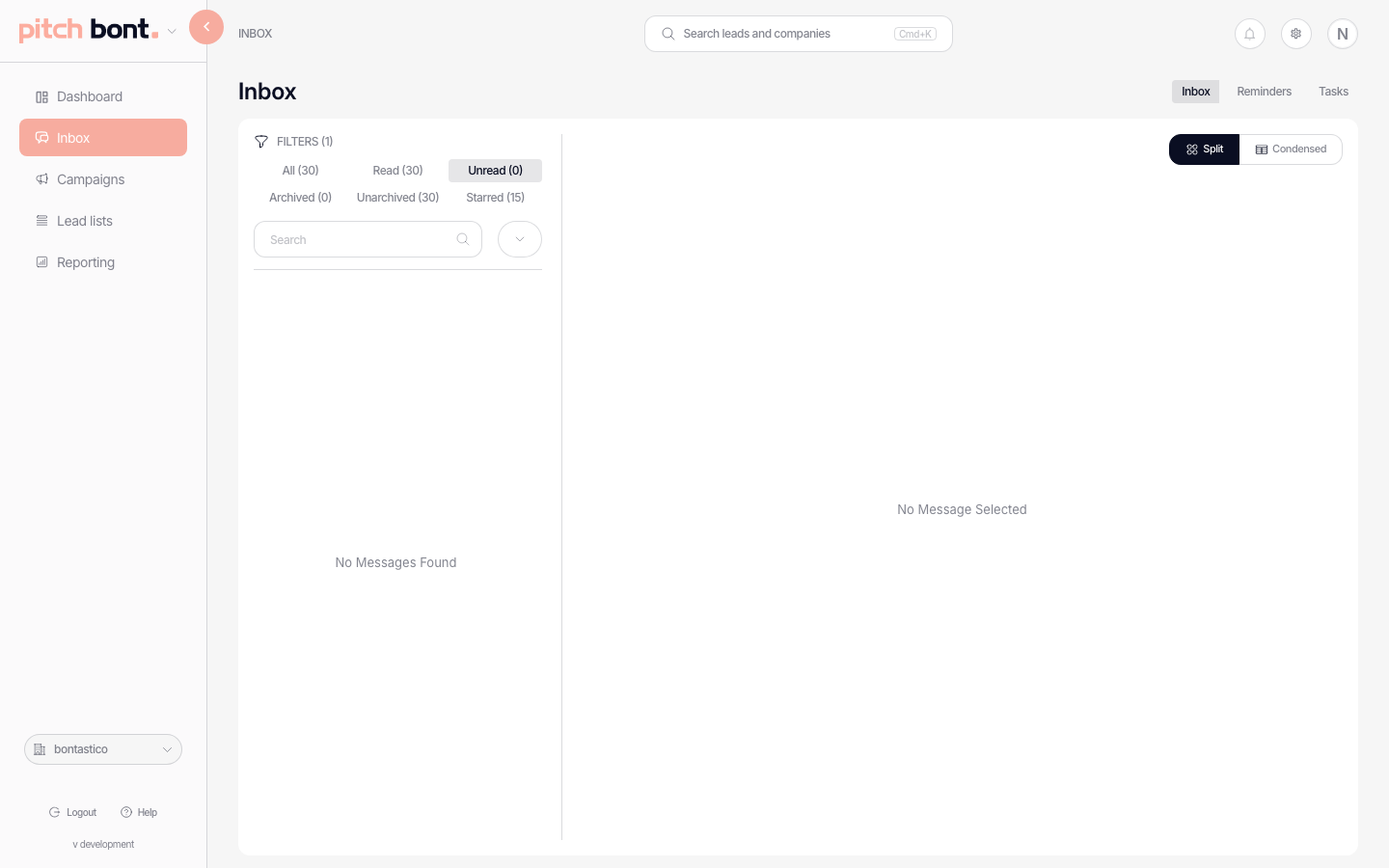
The pitch Inbox is the central triage queue. Every reply pitch bont receives on an active campaign lands here, with the lead's status attached so you can clear the queue quickly.
Lead statuses
Each reply moves the lead to a status you can filter and act on:
- Interested — a clear yes; your priority queue.
- Soft interested — warm but not committed (e.g. "circle back next quarter").
- Not interested — a no.
- Could not contact — bounced or unreachable.
- Forwarded — the lead pointed you to someone else.
- In progress — being worked.
- Pending — awaiting a next step or reply.
- Done — closed out.
Auto-archive
Setting a lead to Interested or Soft interested does not archive it — positive leads stay visible in the inbox so you don't lose track of them. Auto-archive only kicks in when you manually set a not-interested status, clearing that reply out of the queue.
Actions per reply
- Reply now — opens the composer pre-populated with the quote.
- Set status — move the lead to any status above.
- Star / flag — mark a reply to come back to.
- LinkedIn — the LinkedIn icon opens the lead's LinkedIn profile.
- Open in base / pure bont — cross-app links jump to the lead's record for full context.
- Add to blacklist — for hard nos or "never email this address".
Scheduled messages that haven't sent yet appear at the top of the thread, so you can see what's queued to go out before you reply.