
CRM configuration: Data Sources
Define where a contact, company or deal originated — inbound form, partner referral, sales prospecting — so attribution and acquisition reporting work.
Data sources are the catalogue of acquisition channels. Every contact, company and deal carries a Source field; the values in that dropdown live here. Once defined, sources feed pure bont's acquisition reporting, funky bont's CAC view and segment filters everywhere.
Open it
Settings → App Settings → CRM configuration → Data Sources.
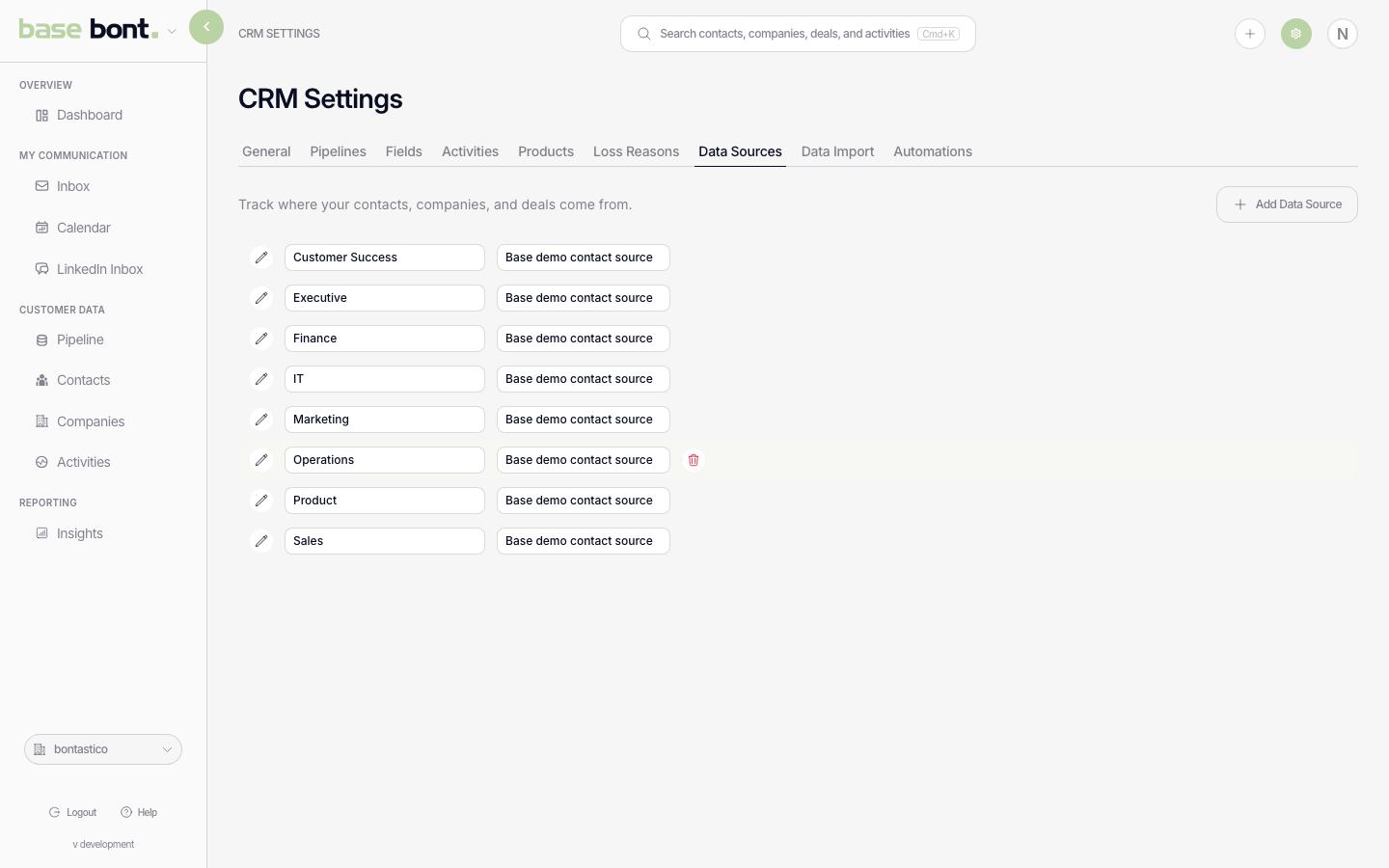
Adding a source
Click + Add. Type the source name (e.g. "Inbound website", "Partner — HubSpot marketplace", "Outbound — pitch bont"). Save. The source is immediately available in every Source-field dropdown.
Editing or removing
- Rename — click the row to edit inline. Existing records carrying the source update automatically (it's a foreign-key relationship, not a text copy).
- Preview — the eye icon shows how many records currently use this source — useful before deleting.
- Delete — the trash icon. Records that used the deleted source revert to "No source" until reassigned.
Where the field appears
- Contact and Company creation modals.
- Contact / Company / Deal Details sidebars.
- Bulk-attribution flows during Data Import (see CRM configuration: Data Import).