
CRM configuration: Pipelines
Define and edit the sales pipelines and their stages — the columns that show up on the Pipeline (Kanban) board.
Every workspace can have one or more pipelines (new business, renewals, expansion, partner) with its own stage list. The Pipelines tab is where you define them. Each pipeline drives a Kanban view (see Viewing the pipeline (Kanban) board).
Open it
Settings → App Settings → CRM configuration → Pipelines.
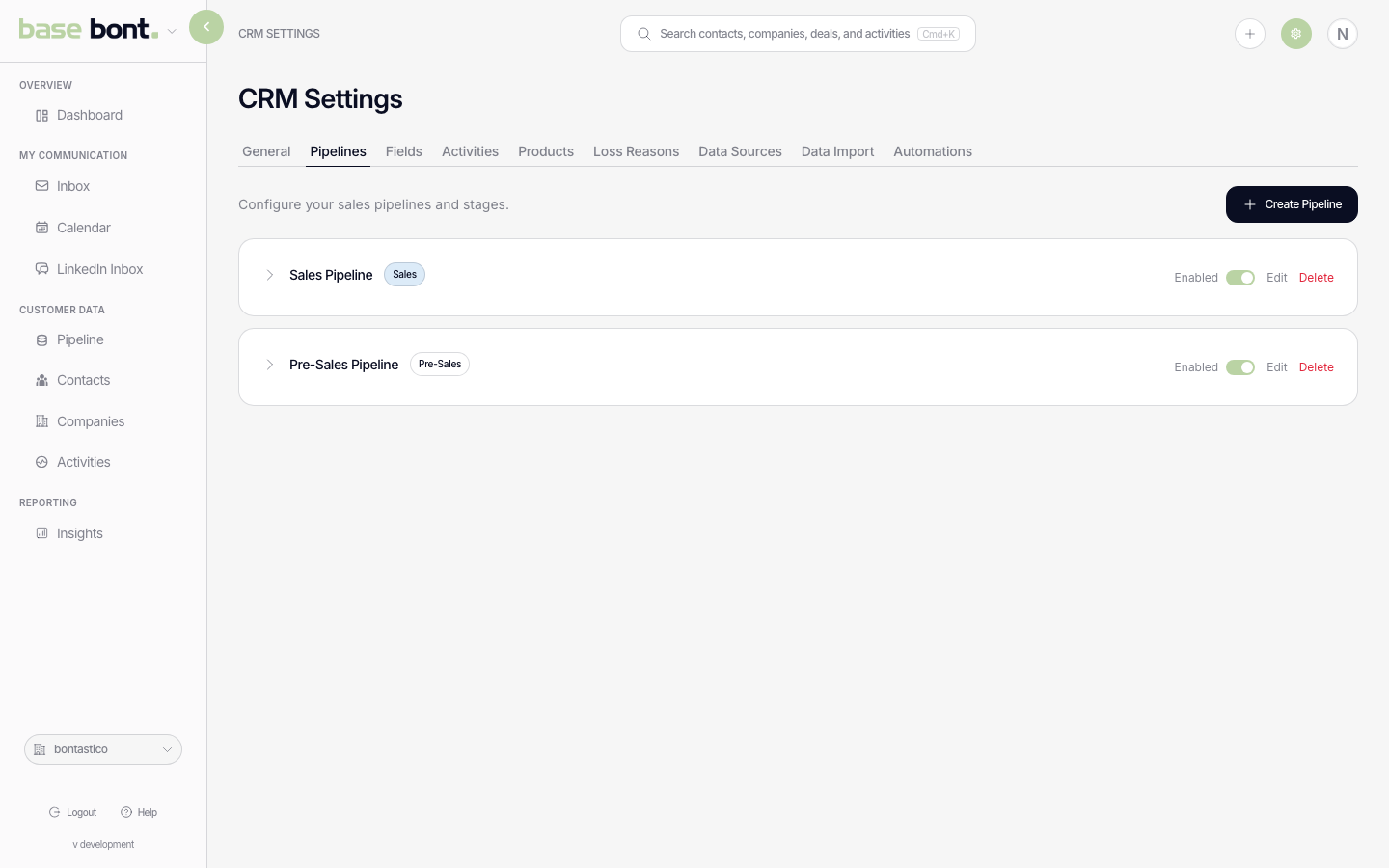
What's on the page
- Pipeline cards — one per pipeline. Each card shows the pipeline name plus the ordered list of stage chips.
- Add Pipeline — top-right button. Opens a modal with a name field and a template picker (start from scratch or seed with a common stage set).
- Edit stages — click a stage chip to rename, reorder (drag), or mark as closed-won / closed-lost.
- Delete a pipeline — the trash icon on the pipeline card. Confirmation required; deals in the deleted pipeline are archived, not lost.
Stage attributes
- Stage type — Open (default), Won, or Lost. Stages flagged Lost trigger the Loss Reason prompt; see CRM configuration: Loss Reasons.
- Probability — default deal probability when a deal enters the stage. Per-deal overrides win.
- Colour — stage chip colour on the Kanban board.